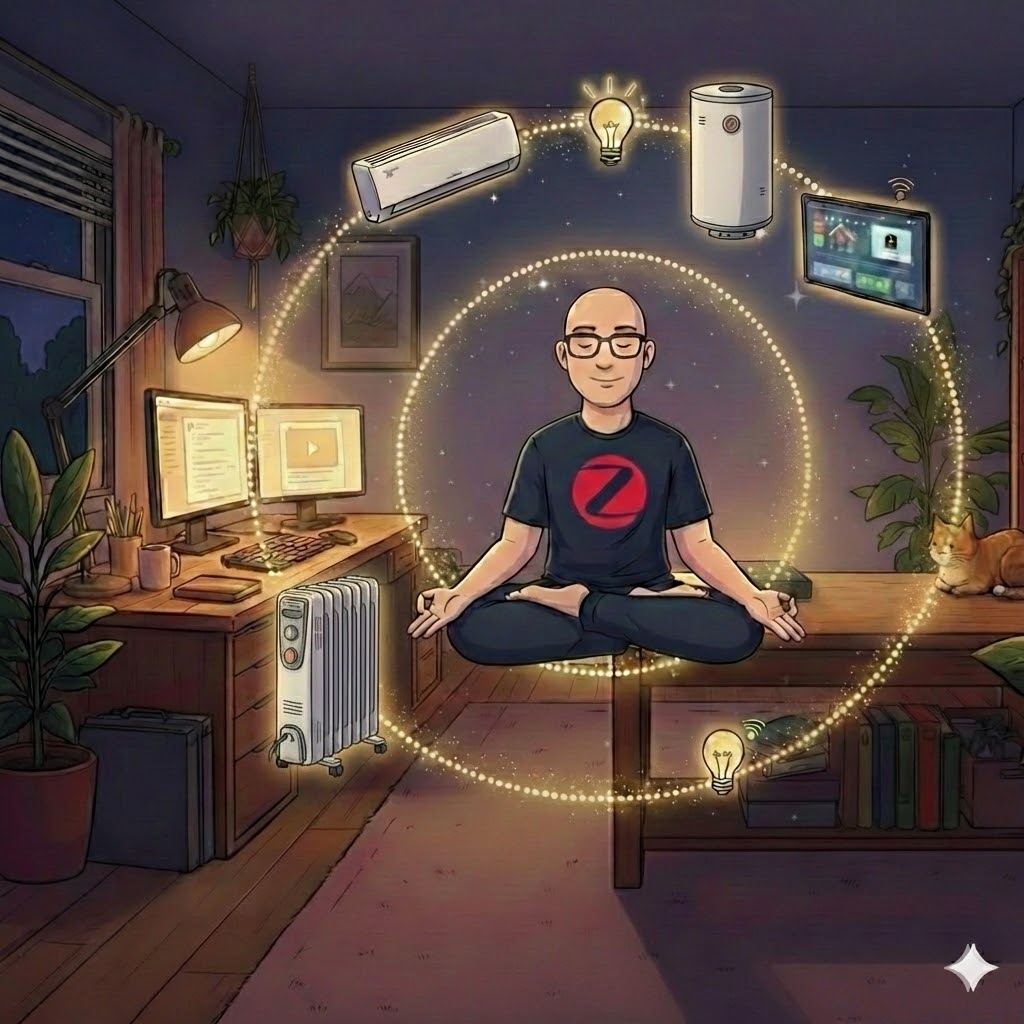
Recently, I’ve been asked about my smart home setup and decided that I’ve gathered enough experience to share it with others, so people can avoid the pitfalls that I fell into.
What Is a Smart Home?
A smart home consists of many scattered devices that interconnect with each other to follow your orders. For example, a thermostat that measures temperature and turns your air conditioner on or off on demand. It doesn’t only make your life easier—it will also reduce your electricity bill.
Here’s a small example: when I had a dumb water boiler switch, I often forgot to turn it off, and it worked and worked and worked. Now I’ve configured it to turn on twice a day for 45 minutes, which is enough for our family. More importantly, if something unexpected happens and I manually turn it on, it will automatically turn itself off after 60 minutes. So, you get the idea.
A Quick Disclaimer
I will try to guide you and will make some decisions on your behalf. Take this with a grain of salt—I think my recommendations are better because I tried other approaches and wasn’t satisfied. The final decision to use my advice is up to you, and you are responsible for any outcome.
To set up a smart home, we need to decide on the three pillars it’s built on: protocol, platform, and devices. Let’s review each part separately.
Choosing a Protocol
Why do we need a protocol? A protocol is a kind of language that all the devices use to communicate with each other. You can mix protocols, but honestly, if you have no special reason to do so, don’t. It’s much easier to maintain devices that all use the same protocol.
There are three main protocols: Zigbee, BLE (Bluetooth Low Energy), and Wi-Fi. Some manufacturers use Wi-Fi, some use BLE, but the most widely adopted protocol is called Zigbee. It was designed intentionally for IoT (Internet of Things).
What makes Zigbee unique? Three things: low electricity consumption, resilience to Wi-Fi interference, and mesh networking. Let’s dig into the details:
Low electricity consumption. Not every device can be connected to mains power, so we use batteries. Wi-Fi, for example, drains a lot of power. With Zigbee, you typically replace batteries every 6 to 12 months, sometimes even longer. Another feature is that Zigbee devices usually indicate when the battery is running low, giving you plenty of time to replace it. Wi-Fi devices often just stop sending data one day without warning.
Resilience to Wi-Fi interference. While Zigbee operates on the same 2.4GHz band as Wi-Fi, its mesh topology and different channel structure make it more robust against interference. Every apartment has a Wi-Fi router—2.4GHz, 5GHz, and some apartments have multiple routers. For example, I have EasyMesh with three routers; otherwise, there are blind spots in my apartment. Your neighbours can cause interference with your devices. For phones, laptops, and similar devices that are constantly connected to power or have large batteries, this isn’t a big deal—they have strong signals and can compete. But for small IoT devices, it’s an issue. Zigbee’s mesh architecture (covered next) provides much more stability.
Mesh networking. Remember when you walked far away from your router and suddenly had weak Wi-Fi—video freezes, and you need to move closer to the router? With Zigbee, this isn’t necessary. Every Zigbee device powered from the wall can act as a router. An IR transmitter used to control your air conditioner? That’s a router. A smart bulb? Also a router. So it’s rare for any device to be inaccessible. Zigbee devices are also sophisticated enough to find the best path to transmit signals to the main hub.
So, I think I’ve convinced you that Zigbee is the best choice.
Choosing a Platform
A platform is the software used to configure all the devices, define different scenarios, set up automation, and so on. It defines how easy your smart home is to use.
There are many platforms—for example, Xiaomi, Tuya, and Home Assistant. Without doubt, Home Assistant is the best. It’s an open-source platform, so anyone with technical knowledge can write advanced scenarios and configure it to their needs. It also supports the vast majority of IoT devices. But as I said, it requires technical knowledge: you manually write scripts, you must read logs, and you need to be able to debug complex issues. So if you don’t have a technical background and want something you can quickly set up and use, I would advise against starting with it. (Note: Home Assistant can run on a Raspberry Pi or similar small computer.)
Xiaomi, on the other hand, is much more user-friendly. But from my personal experience, I didn’t like the UX it provided. Another issue I found with Xiaomi is limited device availability—usually when I was looking for something like an IR blaster, Xiaomi didn’t have it.
So I migrated to Tuya (later I switched to Home Assistant, but for now, let’s concentrate on Tuya). From my experience, Tuya has the broadest selection of various devices available. It also has a nice interface that’s easy to configure with many scenarios. Additionally, Tuya itself can be easily integrated into Home Assistant, and its devices have excellent compatibility with Home Assistant. So when—and if—you decide later to migrate to Home Assistant, you won’t need to throw away all the devices you already have; you’ll be able to easily integrate them. But that’s a topic for another chapter.
Choosing Devices
Given that we’ve already decided on the protocol (Zigbee) and the platform (Tuya), we can now choose only Tuya-supported devices. Once again, you can choose any protocol, but I advise sticking with Zigbee.
How do you choose a device? Just go to AliExpress and look for what you need: switches, thermometers, IR blasters—there are many useful devices you can integrate into Tuya.
One small thing I want you to know: when choosing a device, keep an eye on this list: https://www.zigbee2mqtt.io/supported-devices/#v=Tuya. It’s a list of devices supported by Tuya that are also compatible with Home Assistant. So if one day you decide to upgrade, you’ll be able to use what you have and won’t need to throw away or sell old devices and buy new ones.
Minimal List of Devices
Now that we’ve decided on the three pillars of a smart home, let me advise you on the bare minimum of devices you can start with.
Note: All the links below are referral links. It won’t affect your price, but I will make a small profit if you buy these devices.
Zigbee Gateway — This is the device that connects your Zigbee devices to your network, and it’s required to make everything work. On one side, it connects to the internet over Wi-Fi or Ethernet; on the other side, your Zigbee devices connect to it. I use this device and have no issues with it: Tuya ZigBee Gateway Bridge. Choose the version you need (Ethernet or Wi-Fi)—both work well, as you can see from the user feedback on the seller’s page.
Water Boiler Switch — This is the second essential device. It will already improve your life and decrease your electricity bill: Water Boiler Switch.
IR Blaster — This was the main reason I switched to Tuya. I use this device and am very satisfied with it: Tuya ZigBee Smart IR Remote Control. It can be used not only to control your devices, but you can also teach it new commands—it’s also an IR receiver. So if Tuya doesn’t have predefined settings for your device, you can easily create your own.
Thermometers — I use two kinds: without display, with AAA batteries and with display, powered by CR2032 battery. Both are good and very stable. The one with AAA batteries lasts a little longer; the second one requires battery replacement more often.
Smart Socket — To control power outlets, I use this Smart Socket. This is the Israeli variant, but you can easily find UK, EU, or US variants too. I like this adapter because it has not only a 220V outlet but also a USB charger.
This is the bare minimum, in my opinion, that can give you a taste of smart home living. If you expand your smart home further, you won’t need to replace these devices—you’ll just add new ones.
Use Cases
Here, you’re only limited by your imagination and your needs. A few examples to spark ideas:
- Keep your children’s room at a constant temperature throughout the night by linking a thermometer to your AC via the IR blaster.
- Control humidity by connecting a dumb humidifier to a smart plug and triggering it based on a humidity sensor.
- Connect Tuya to Google Assistant or Alexa and control your devices using your voice.
- Set your water boiler to turn on 30 minutes before you usually wake up, so hot water is ready when you need it.
Conclusion
Starting a smart home doesn’t have to be overwhelming. Begin with the basics—a gateway, a switch or two, and maybe an IR blaster—and you’ll quickly see how automation can simplify your daily life and save on electricity. Once you’re comfortable, you can expand gradually, and if you’ve chosen Zigbee and Tuya-compatible devices, migrating to Home Assistant later will be straightforward.
Feel free to reach out if you have questions, and happy automating!